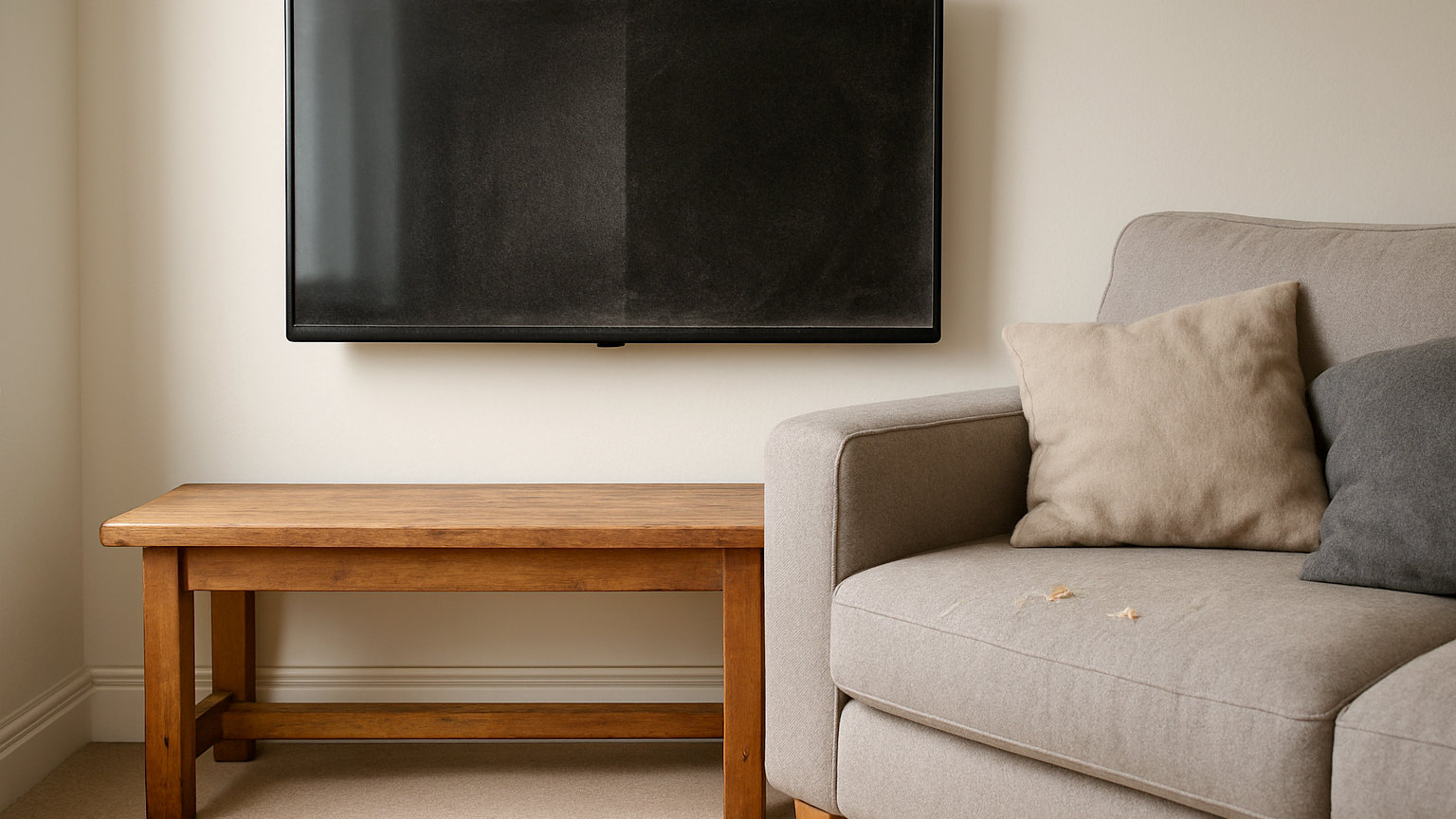
A modern television screen is not glass. It is a plastic panel with an anti-glare or anti-reflective coating on the front, and that coating is easily and permanently damaged. Almost every ruined screen has been cleaned with a household glass spray, a kitchen towel or a cloth that had picked up grit, and the resulting cloudy patches cannot be repaired.
What should you use?
A clean, dry microfibre cloth, and for the vast majority of cleans that is the whole answer. Turn the television off first, both so you can see the marks against a dark screen and so the panel is cool. Wipe gently in one direction with no pressure, rather than scrubbing in circles.
Pressing hard on an LCD panel can damage the liquid crystal layer and leave permanent discoloured patches, so let the cloth do the work.
What if a dry cloth will not shift it?
Fingerprints and greasy marks sometimes need a little moisture. Dampen a corner of the microfibre cloth with distilled water – never spray anything onto the screen itself, because liquid runs down into the bezel and into the electronics. Wipe the mark gently, then go over the area with the dry part of the cloth.
Distilled water is worth using rather than tap water in a hard water area, since the minerals in tap water dry as visible spots on a dark screen and then need cleaning off again. Boiled and cooled water is a reasonable substitute if you have none to hand.
What must you avoid?
- Glass cleaner and any product containing ammonia or alcohol, which dissolve the anti-glare coating.
- Kitchen towel, tissues and newspaper, which are abrasive enough to leave fine scratches on a soft coating.
- Washing up liquid and general purpose sprays, which leave a residue that shows under any light.
- Spraying liquid directly at the screen, for the reason above.
- Any cloth that has been used elsewhere and might carry grit.
Screen wipes sold for the purpose are generally safe, though many are alcohol based, so check before using them on a matt or anti-glare panel.
Is an OLED screen different?
The same rules apply and with slightly more caution, since OLED panels are thinner and more flexible than LCD ones. Dry cloth first, minimal moisture only when necessary, and no pressure at all. Some manufacturers supply a specific cloth with the set, which is worth keeping somewhere safe rather than losing in a drawer.
What about the frame, the stand and the back?
These are ordinary plastic and can take a slightly damp cloth with a drop of washing up liquid, provided you keep moisture away from the ports and the vents. The vents on the back and top matter more than they look: a television that is choked with dust runs hotter and fails sooner.
Vacuum the vents with a soft brush attachment on low suction, or use a can of compressed air from a distance. Do this every few months rather than once a decade.
Why do screens get dusty so quickly?
Static. A screen holds a charge that actively attracts fine dust from the room, which is why a television gathers a visible layer faster than a picture frame beside it. Nothing prevents it entirely, but reducing dust in the room and dusting the screen weekly with a dry cloth keeps it manageable.
A room with an open fire or a wood burner will need it more often, since fine ash is extremely light and settles everywhere.
Does the same apply to monitors, laptops and tablets?
Broadly yes. Computer monitors have the same coatings and the same vulnerabilities. Laptop screens are usually the softest of all and should be treated with particular care. Phone and tablet screens are toughened glass with an oleophobic coating, which is more robust but is stripped by alcohol wipes over time, so the same dry cloth approach extends how long they resist fingerprints.